
Guest List
Guests, sorted
Nook’s Guest List keeps everyone you invite in one shared list, from a birthday party to a wedding. Track RSVPs, plus-ones and invitations together with your co-hosts. On Android and in any browser.
30-day free trial, no card needed. Then $25 a year, billed once a year.


RSVPs and plus-ones
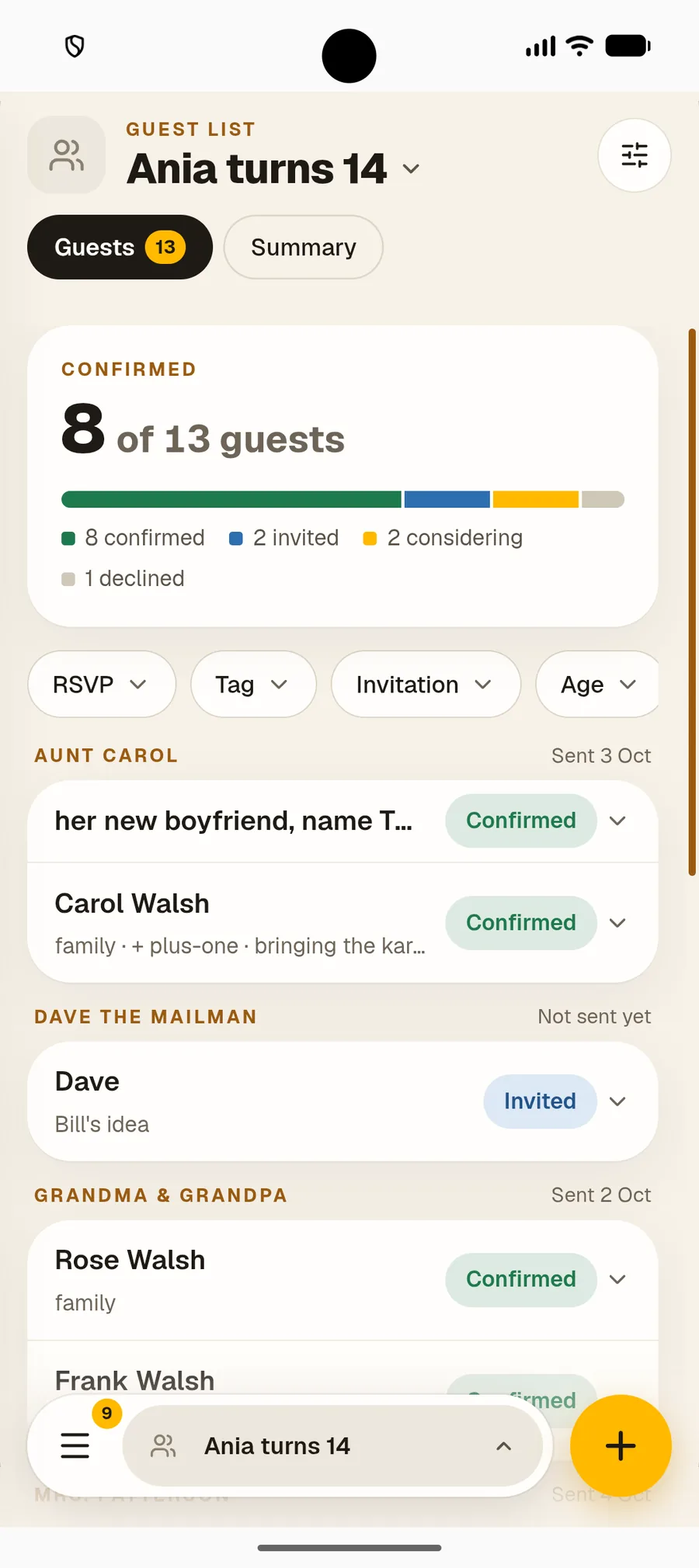
Know who’s coming
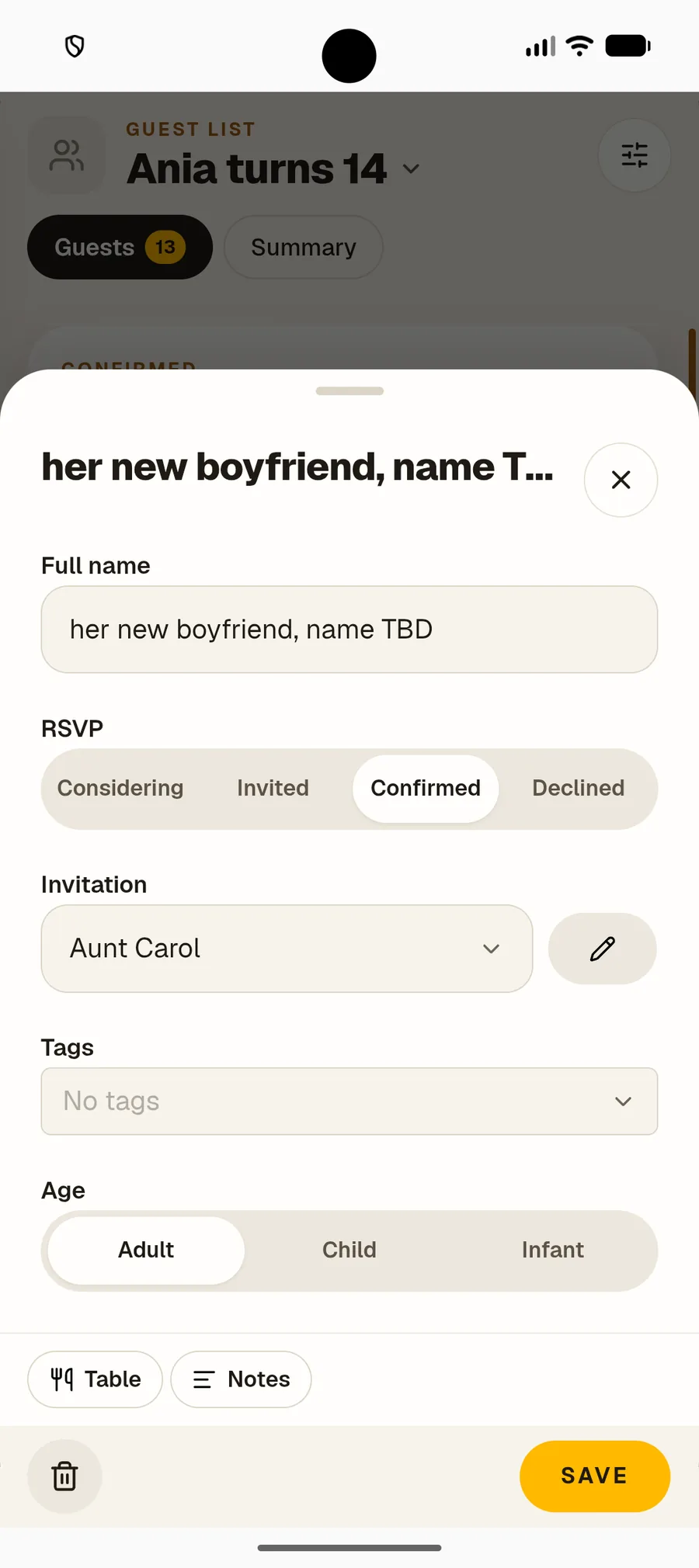
Mark each guest as considering, invited, confirmed or declined. Add a plus-one, note whether they’re an adult, child or infant, and pick their table.



Plan it together
One list for all the hosts
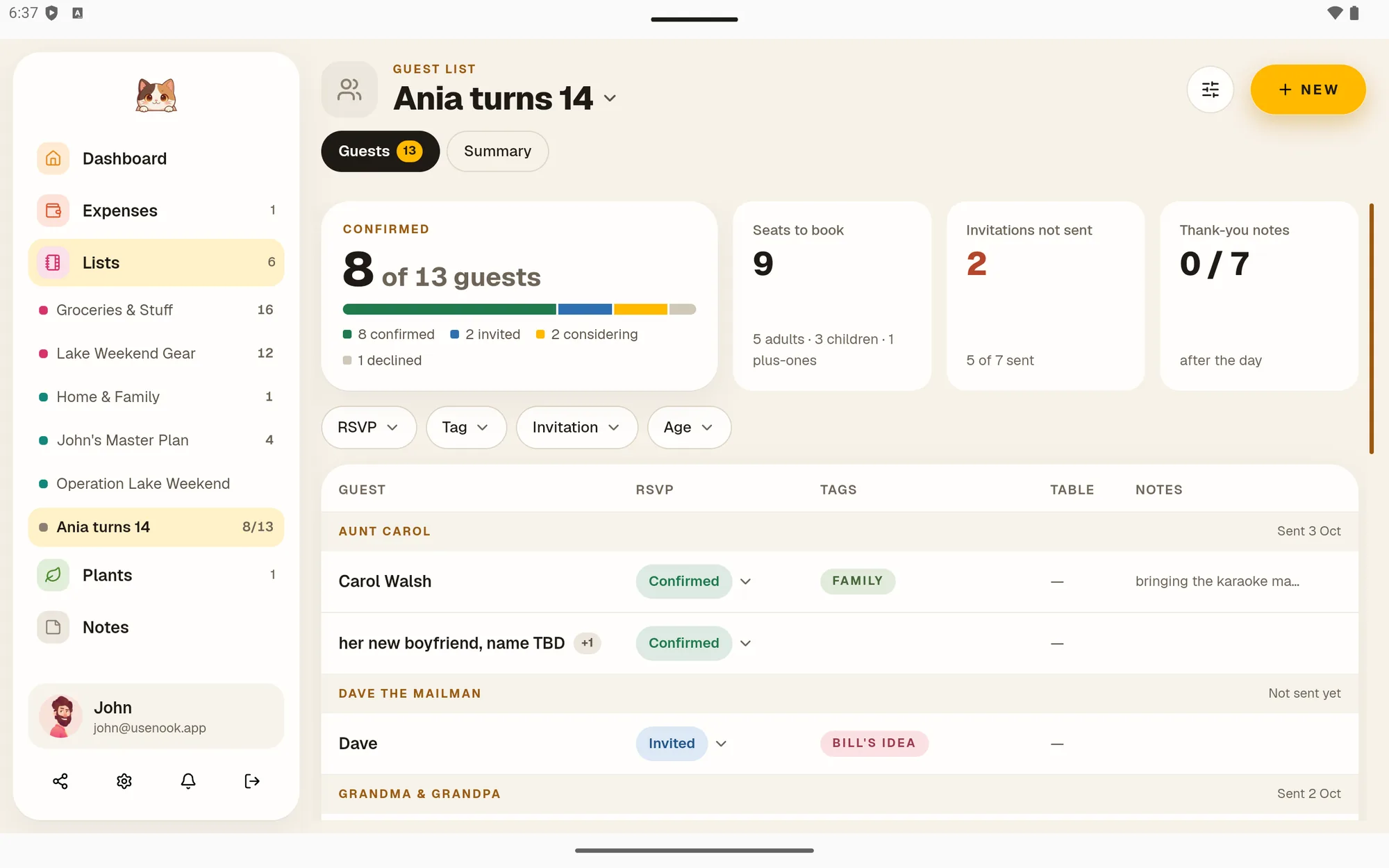
Share the guest list with your partner or family and plan it together. Group guests by invitation, so one envelope covers the whole family, and see what’s left to do at a glance.
- ✓Group guests by invitation, with address and contact details
- ✓Tags for dietary needs, sides or anything you like
- ✓Track invitations sent and thank-you notes

Calm, on purpose
No spreadsheet required
Planning a party is stressful enough. Nook keeps the guest list simple: names, RSVPs and who’s bringing whom, shared with the people planning it with you.

Who it’s for
For every kind of home

Couples
Plan the wedding or the housewarming together, with one list you both keep up to date.
Nook for couples →
Roommates
Throw the flat party without asking twice who’s coming and who’s bringing a friend.
Nook for roommates →
Families
Birthdays, christenings and family dinners, with every aunt and plus-one in one place.
Nook for families →
Common questions
Good to know before you start
Can I track plus-ones?
+
Yes. Add a plus-one to any guest, even before you know their name. They count toward your totals and get their own RSVP.
What is an invitation in Nook?
+
An invitation groups the guests you invite together, like a family or a couple. Keep the address and contact details there, and mark when it was sent and when the thank-you note went out.
Can I note dietary needs?
+
Yes. Use tags for anything you need, like vegetarian, gluten-free or the bride’s side, then filter the list by tag.
Do my co-hosts need their own subscription?
+
No. Only one subscription is needed. Invite your partner, family or roommates for free — they get full, unlimited access to everything you share with them. To create their own lists, expenses or plants, they need their own subscription.
Works with the rest of your home
One app, six tools
A guest list is one part of a shared home. Bills, groceries, chores, plants and notes live in the same app, for the same $25 a year.
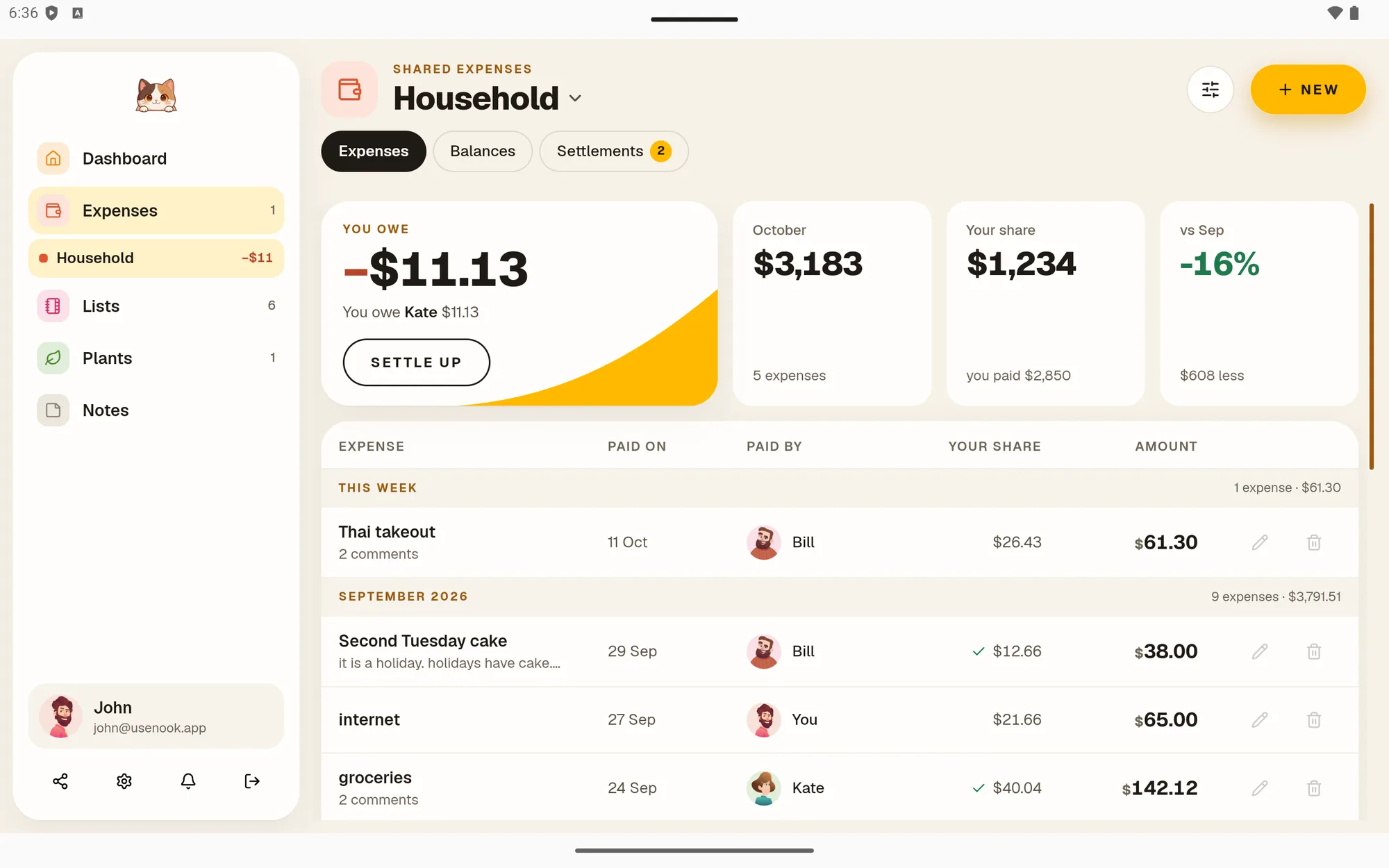

Shared Expenses
Split bills and see who owes whom
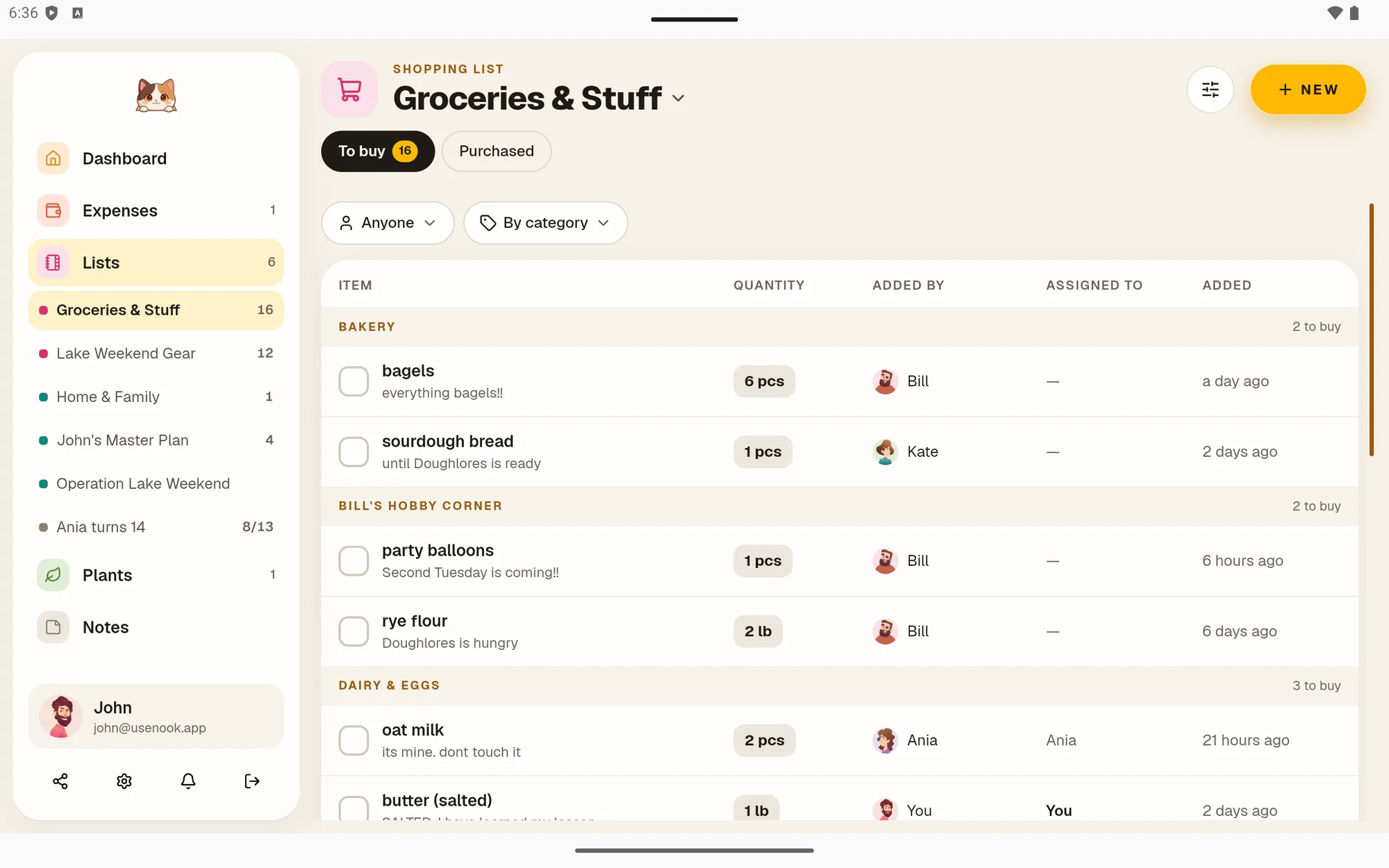

Shopping List
One shared grocery list, sorted by category
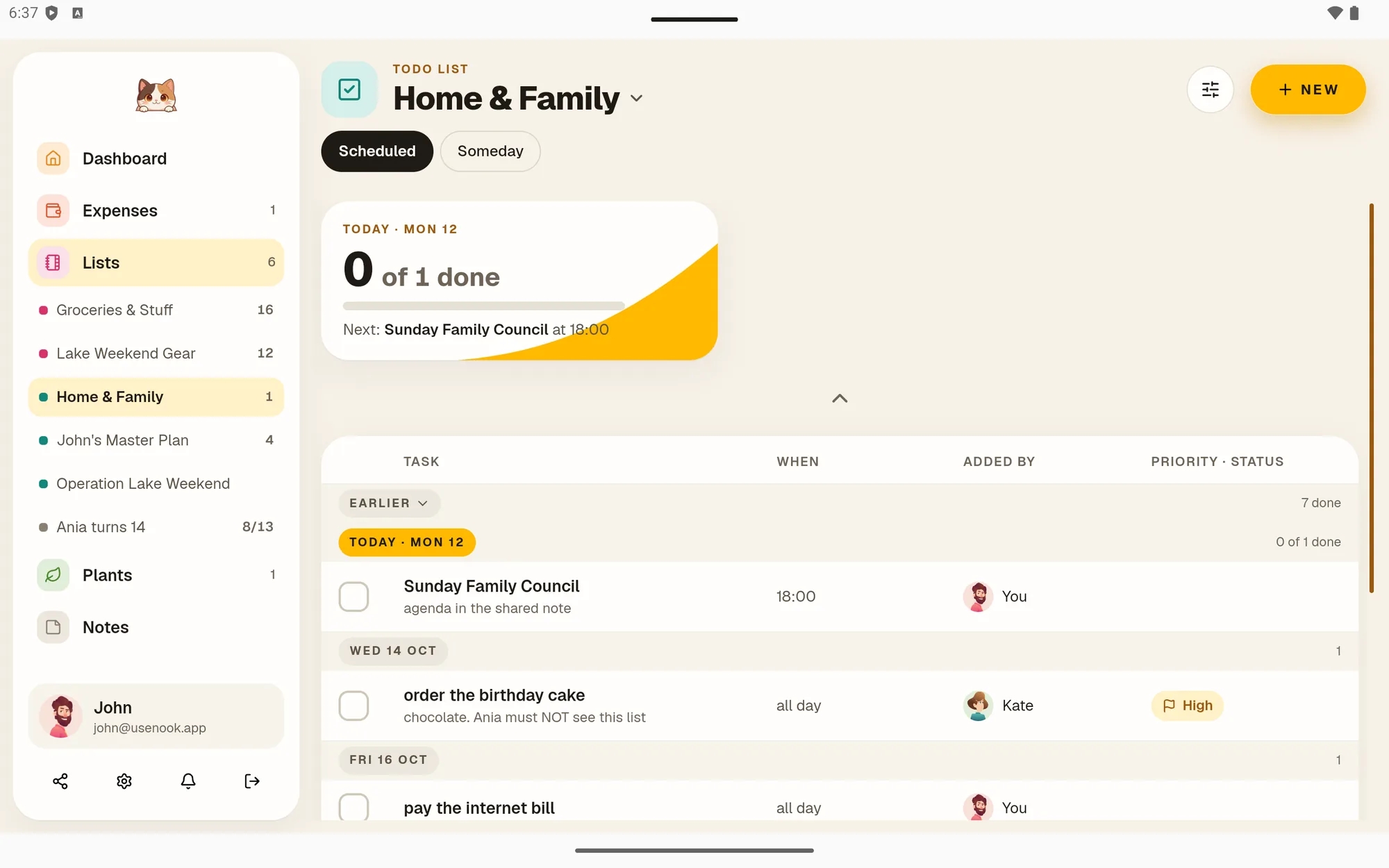
To-dos
Scheduled chores, shared with your household
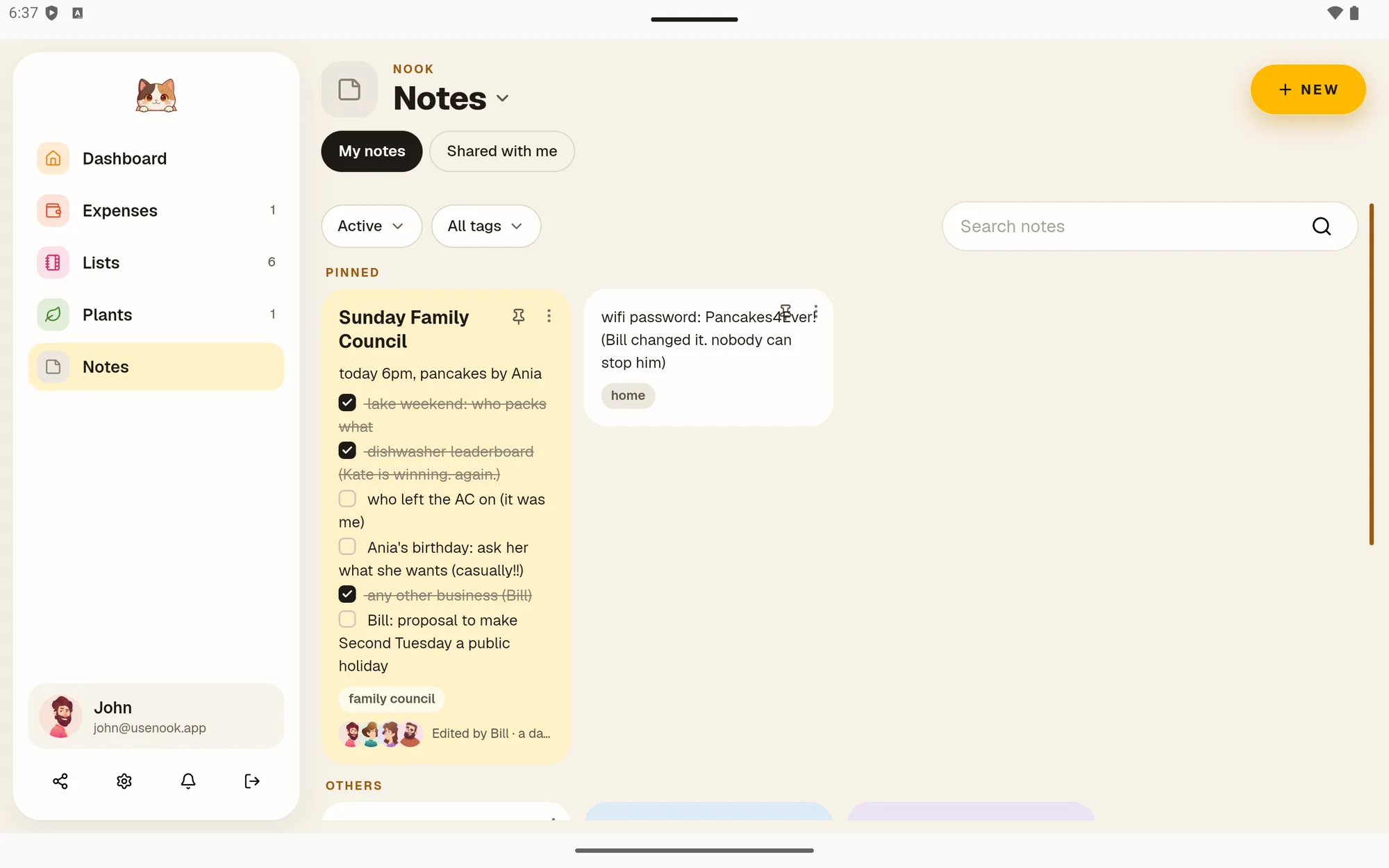

Notes
Quick notes and checklists you can share
Start today
Try Nook free for 30 days
Full access, no card needed. After that it’s $25 a year for every module, on Android and in any browser.