









Introducing The Nook
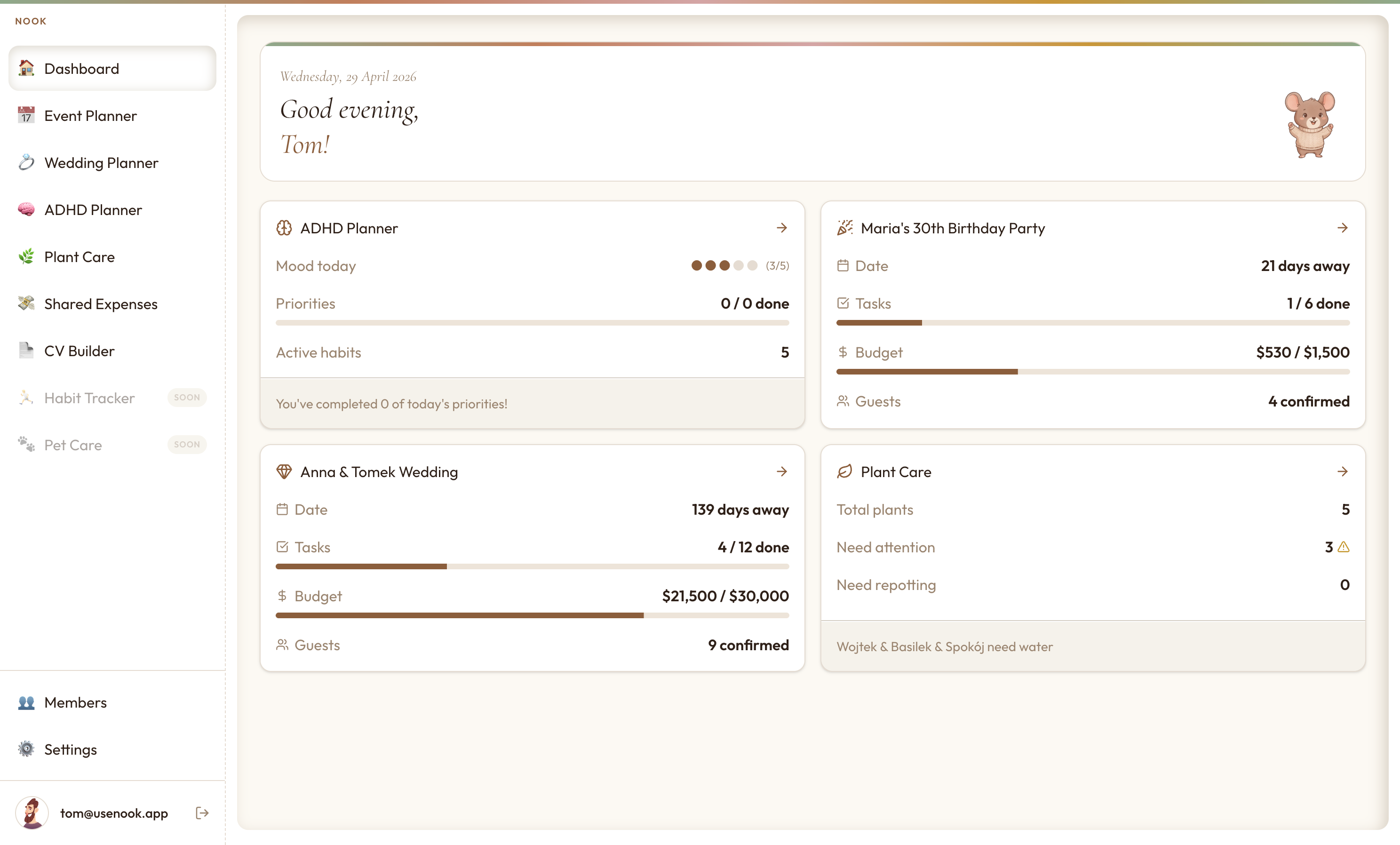
Events, plants, expenses, habits, your CV. Everything you're tracking, in one beautiful app. Access it from any device, and print any view whenever you want.
How it works
Create your event, log your plants, add shared expenses. Takes a few minutes. Everything saves automatically.
Update your budget, check the guest list, adjust watering schedules. From your phone or laptop, wherever you are.
Any view can be downloaded as a PDF. Print it, hang it on your fridge, or stick it in a notebook. Totally optional.
See it in action
What's inside
Planners, trackers, builders. Use only what fits your life. Everything stays in sync.
Simple pricing
From the team

home
Nook's new Shopping List module brings calm to one of the most chaotic parts of weekly life - getting the groceries in without forgetting half of what you needed.
July 12, 2026

news
Our first article, a quick introduction to the Nook blog.
May 7, 2026
Common questions
Yes. Every new account gets a 7-day fully featured trial. No payment details required upfront.
Your data is never deleted. You lose access, but everything is waiting for you when you renew, even months later.
Some Etsy products include a Nook redemption code. After purchase, enter it in Settings → Redeem Code to activate access instantly.
Yes. Phone, tablet, laptop, unlimited devices. It's a web app — nothing to install, works in any browser. You can also add it to your home screen so it opens like a native app. See usenook.app/download for instructions.
No. Only you need a subscription. You can invite friends, family, or roommates for free — they get access to just that one expense list.