
Every product ends up with a face. Ours turned out to be a cat.
When we were designing Nook — the app, the logo, the whole visual identity — we wanted something that felt warm and a little playful. Not another productivity tool with a minimalist wordmark and a sans-serif grid. Something that felt like a cozy corner, which is what "nook" actually means.
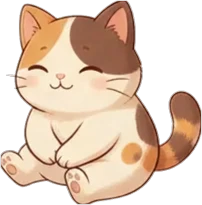
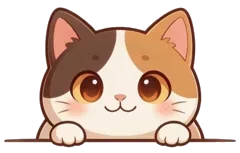
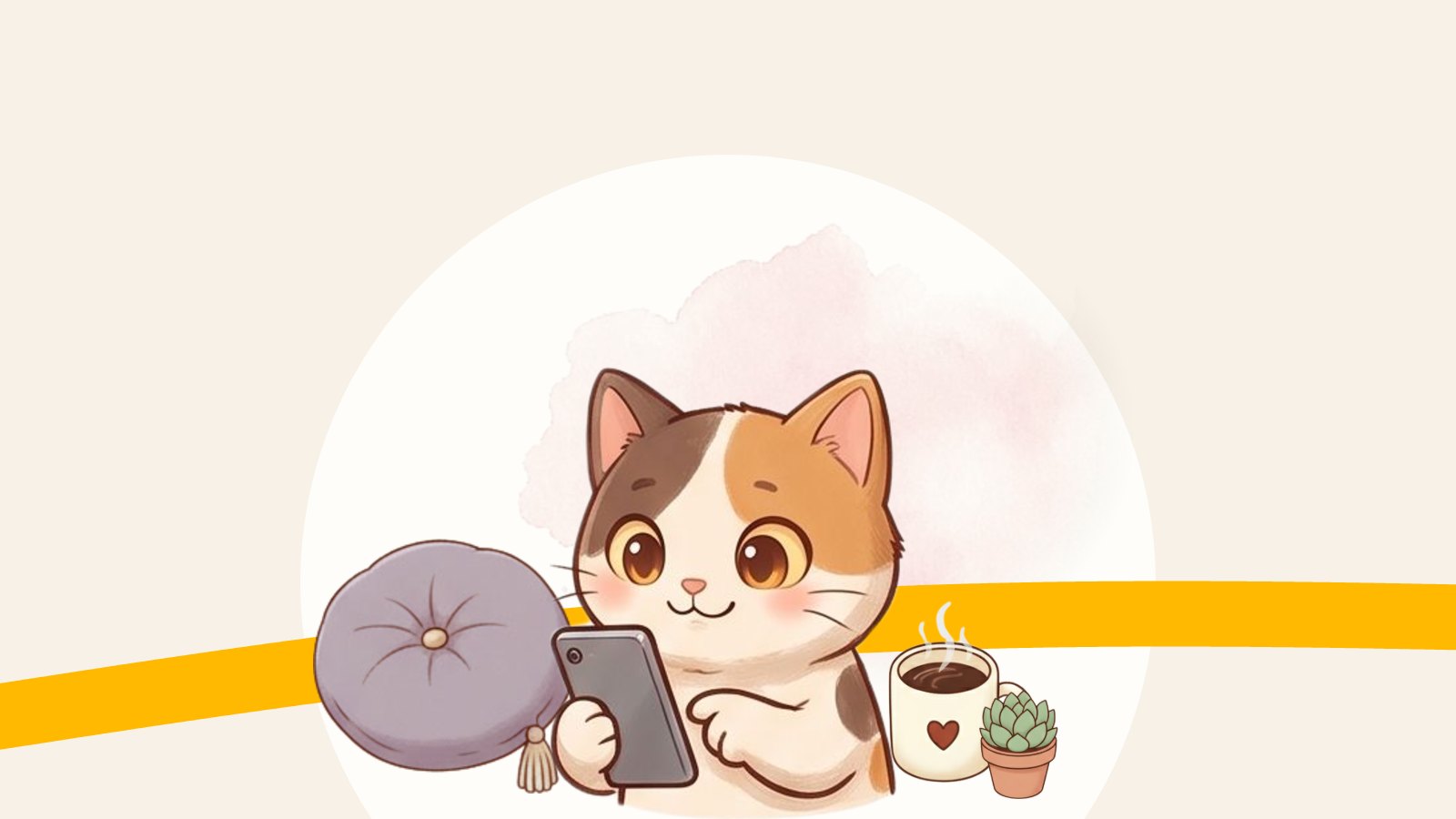
At some point a calico cat appeared in the illustrations. She fit perfectly. She got a name, a whole set of poses, and eventually she ended up on the landing page, in the app, on the loading screens. She became our mascot, and we started calling her Nook too.
From mascot to sticker pack
We are a small team: Tomasz and Piotr writing code, Natalia making sure nothing is broken. We talk on Telegram. A lot.
One day Tomasz took all the illustrations of Nook the cat and turned them into a Telegram sticker pack. He exported each pose as a transparent PNG, uploaded them through the @Stickers bot, added emoji for each one, and published. The whole thing took an afternoon.
We started using the stickers immediately. Nook waving hello. Nook with a coffee mug. Nook facepalming at a bug. Nook celebrating a release. She became part of how we communicate.
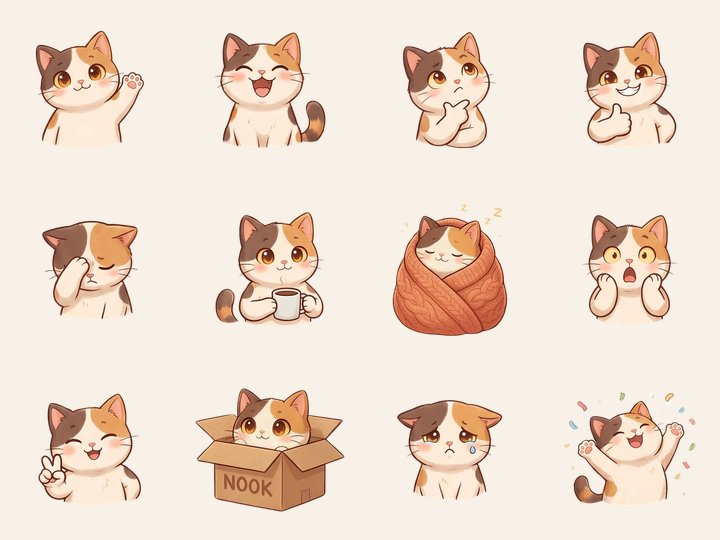
We want to share them with you
The sticker pack has 44 stickers covering pretty much every mood a team chat needs. We use it every day, and we think you might enjoy it too — whether you use Nook the app or not.
You can add the whole pack in one tap:
Add the Nook sticker pack to Telegram
Open that link on your phone, tap "Add stickers", and Nook is in your chat.
Want to make your own?
If you liked how this came together and want to do the same with your own pet or artwork, here is the short version of how Tomasz did it.
Every sticker needs to be a PNG with a transparent background, 512 pixels on its longest side. Then:
- Open @Stickers in Telegram (look for the verified badge — there are fakes).
- Send
/newpackand give it a name. - Upload each image as a file (not a photo, or Telegram compresses it), then pick an emoji for that sticker.
- Repeat until all stickers are in, then send
/publish. - Choose a short link name, for example
t.me/addstickers/yourcatname.
That's it. The whole pack is live and you can share the link anywhere.
A few things that make a good sticker: crop tight so the subject fills the frame, use simple poses that read at small size, and keep a consistent style across the pack so it feels like a set rather than a random collection.
If you make one, send us the link. We'd love to see it.